How to Make a Song with AI: A Beginner's Guide
Go from a one-line idea to a finished, studio-quality track in about a minute — no instruments, no theory, no software. Here's exactly how, step by step.
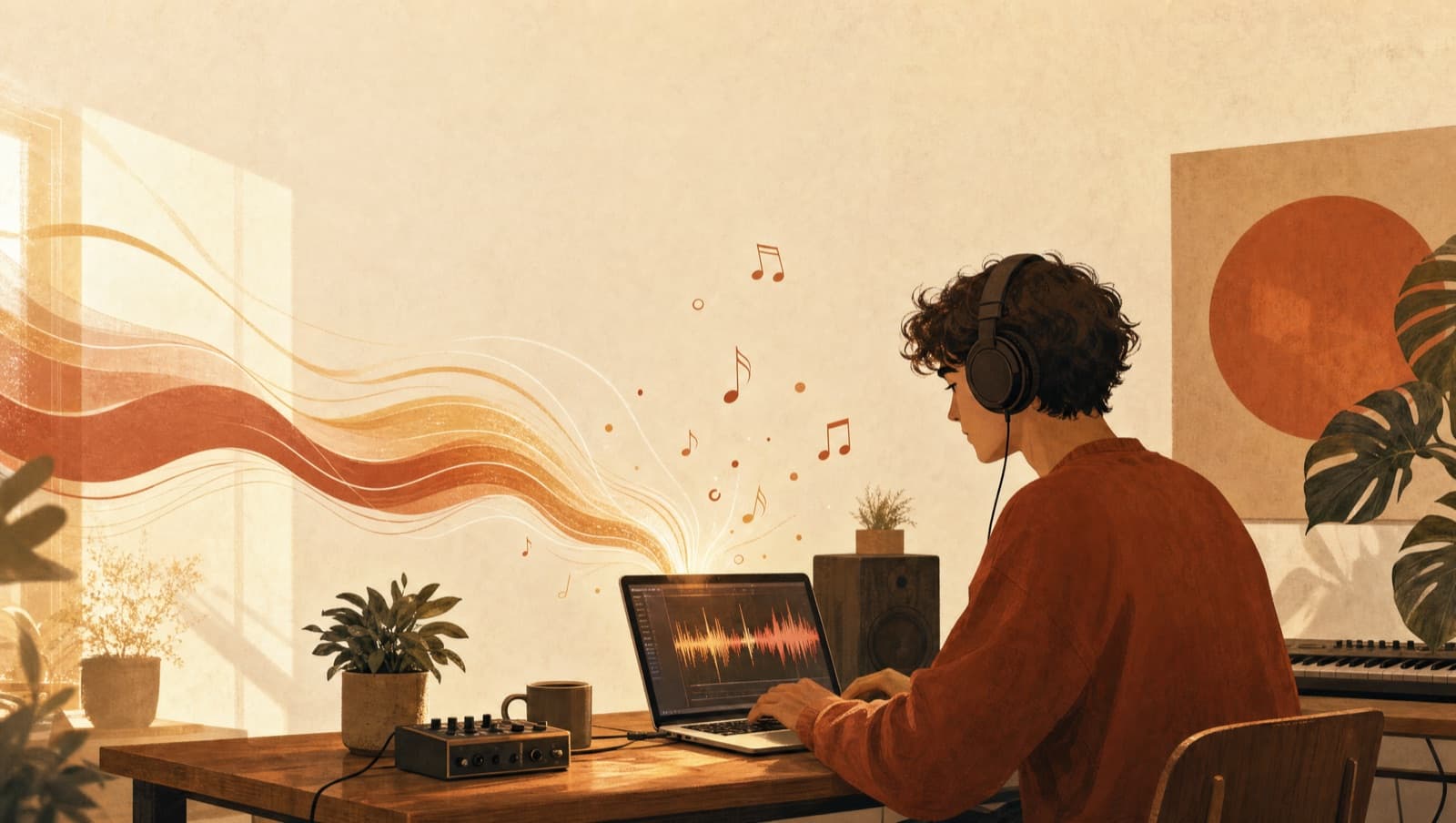
A year ago, "AI song" mostly meant a robotic voice mumbling over a generic beat. That era is over. Today you can describe a feeling in one sentence and get back a fully produced track — real-sounding vocals, original lyrics, and instrumentation that actually holds together — in about the time it takes to make a coffee.
This guide walks you through the whole thing from zero. No instruments, no music theory, no audio software. By the end you'll have made your first song and you'll know how to make the next one better.
What "making a song with AI" actually means now
When people say they made a song with AI, they usually mean one of two things: writing lyrics, or generating the actual audio. Modern tools like Melodio do both at once. You give it a prompt — a mood, a story, a genre — and it writes the lyrics, composes the music, performs the vocals, and mixes it into a track you can play and download.
The important shift: you're directing, not performing. Your job isn't to sing or play. It's to describe clearly what you want and then make good choices. That's a skill anyone can learn in an afternoon, and the four steps below are the whole game.
Step 1 — Start with a specific idea
The single biggest difference between a mediocre AI song and a great one is the prompt. Vague in, vague out.

Compare these two:
- 🚫 "A happy song" — the model has nothing to grab onto. You'll get something generic.
- ✅ "An upbeat indie-pop song about quitting your boring job to travel — hopeful, a little nervous, sung by a woman in her 20s."
The second one gives the AI a mood, a story, a perspective, and a vocal style. That's what turns a render into something that feels intentional.
A reliable prompt formula: [mood] + [genre] + [who/what it's about] + [vocal style]. Even adding one specific detail — a place, a name, a memory — makes the lyrics feel written rather than assembled.
Step 2 — Set the vibe: genre, mood, language, vocals
Once you have an idea, pin down the details that shape how it sounds. In Melodio you choose these right on the create page:
- Genre — pop, lo-fi, drill, afrobeats, piano ballad, even a commercial jingle. The genre changes everything about the arrangement, so pick deliberately.
- Language — Melodio sings natively in 40+ languages, so a Thai luk thung track or a Spanish ballad sounds authentic, not translated.
- Vocals — male, female, or instrumental if you just want the music.
If you're not sure what genre fits your idea, that's normal. Start with the closest one and adjust on your next try — iteration is cheap and it's how everyone gets good.
Step 3 — Generate, then actually listen
Hit generate and your track starts playing in under a minute. You'll get a free one-minute preview of every song, and it creates two versions from the same brief so you can pick the take you like best.
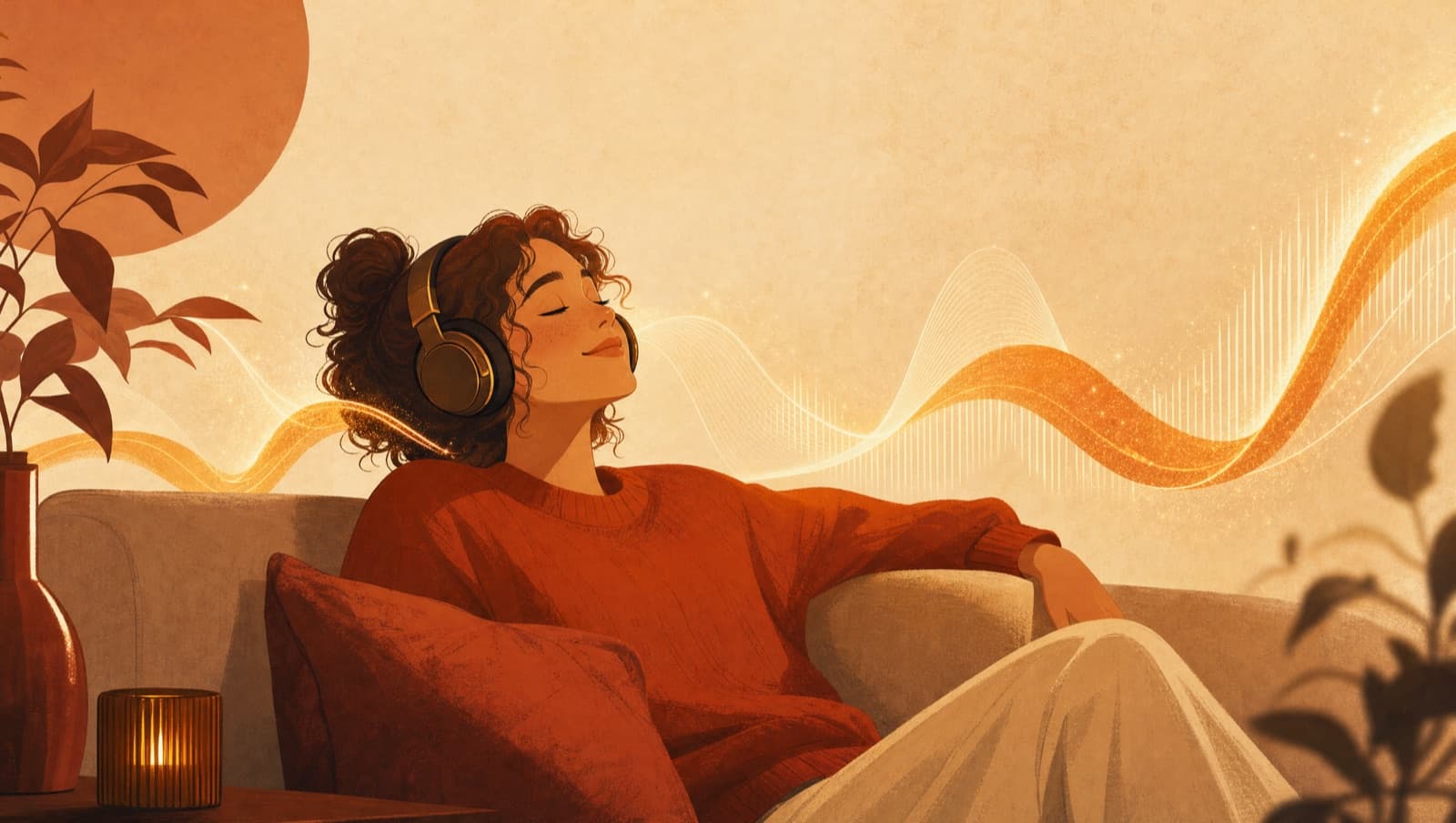
Listen with intent. Does the mood match what you pictured? Are the lyrics landing? Is the vocal right? If something's off, you don't fix it by tweaking — you adjust the prompt and regenerate. Treat your first few tries as sketches.
“Don't polish your first attempt. Regenerate it.
”
Step 4 — Make it yours
When a version clicks, you unlock the full track (it's yours to download and use anywhere — no watermark). From there you can keep shaping it:
- Cover — keep the lyrics, change the entire style.
- Extend — turn a one-minute idea into a full-length song.
- Mashup — blend two of your tracks.
- Melodio AI — stuck on words? Our built-in songwriting assistant helps you write and refine lyrics, then generate the song right from the chat.
This is where a quick experiment becomes something you're proud to share.
Three prompts to steal
Copy these into Melodio and tweak the details:
- A birthday gift: "A warm acoustic song for my mom's 60th birthday named Elena — grateful, a little emotional, mentions her garden and Sunday phone calls. Female vocals."
- Focus music: "A mellow lo-fi hip-hop track for late-night studying — calm, rainy, no vocals, soft piano and vinyl crackle."
- A brand jingle: "A punchy 30-second jingle for a coffee brand called Daybreak — upbeat, modern, confident, catchy hook, male vocals."
Notice each one names a who and a why. That's the difference between a song that sounds AI-generated and one that sounds made for someone.
Common beginner mistakes
- Prompts that are too vague. "Sad song" isn't a brief. Give it a story.
- Wrong genre for the feeling. A heartfelt message in an EDM banger fights itself. Match the genre to the emotion.
- Stuffing everything into one song. One mood, one story per track. If you have two ideas, make two songs.
- Judging the first render. The model is probabilistic — your second or third try is often dramatically better for the same prompt.
Make your first one
That's the whole loop: a specific idea, the right vibe, generate and listen, then make it yours. Do it once and the rest is just reps.
Make your first song free
No instruments, no sign-up friction — describe an idea and hear it in about a minute.
Start creating